Tutorials • Plesk
Adding a subdomain in the Plesk administration panel.
In this tutorial, we will show you how to add a subdomain in the Plesk control panel.
Views 856Updated 1 anPublished on 29/05/2019by Florin P.
Introduction
- In this tutorial we will show you how to add a subdomain in the Plesk control panel.
Requirements
- Access to the administration panel, user and password provided by Hostico.
Steps
- We will log into the Plesk control panel, and then we will go to Websites & Domains on the left side of the screen and then click on + Add Subdomain.

- In the new page that will open, we will enter the subdomain name and select which of the available domains we will associate the subdomain with.
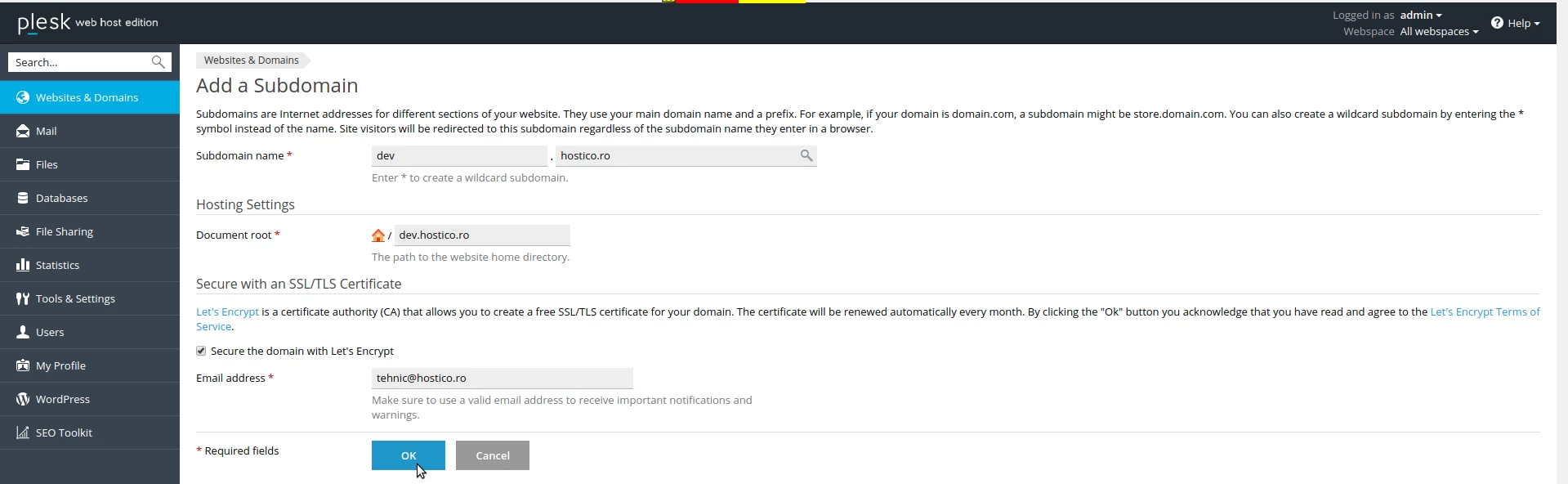
- Here we can set the path for files, Document root and secure the subdomain through Let's Encrypt.
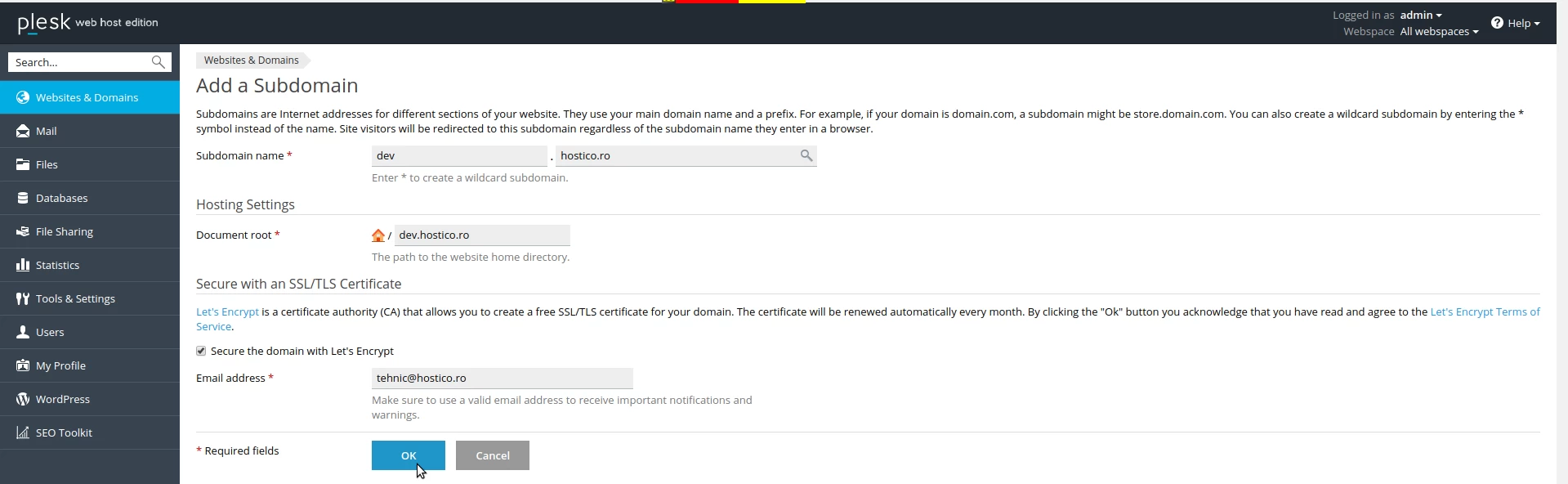
- To complete the operation we will click on OK.