Tutorials • Webuzo
Firewall management and editing in the Webuzo panel
Learn how to manage and edit the firewall in Webuzo. Follow the steps to configure the CSF file and enhance the security of your server.
1
Views 902Updated 1 anPublished on 12/06/2018by Alexandru R.
Introduction
- In this tutorial, we will show the necessary steps for editing the CSF configuration file (firewall).
Requirements
- a Webuzo account
Steps
- Networking knowledge - if you do not have basic knowledge, do not hesitate to contact us. In the case of servers managed by Hostico, the firewall is configured by default.
1. We access the Webuzo panel and go to the CSF Configuration section.

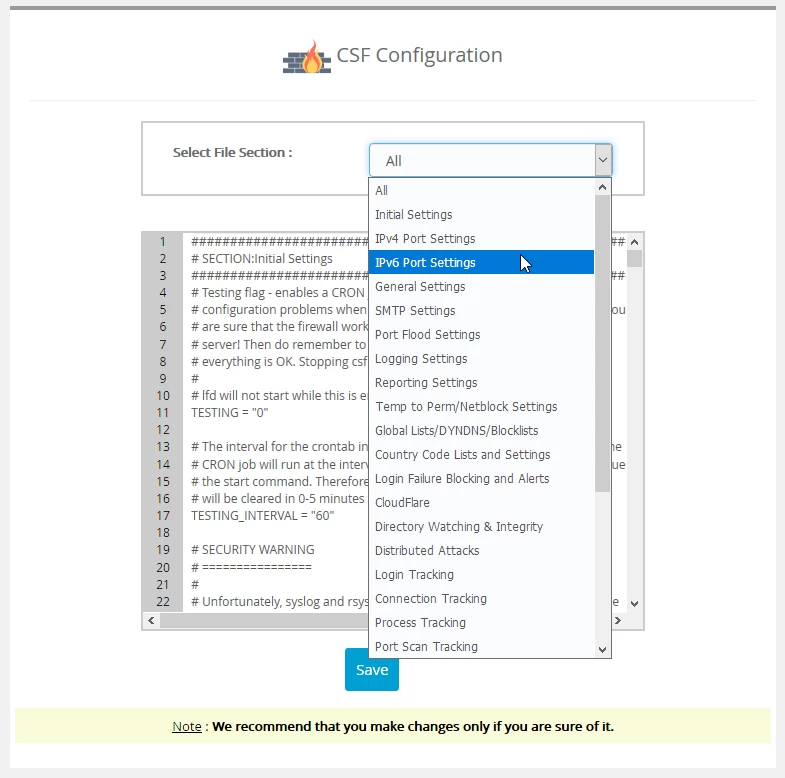
After accessing "CSF Configuration", the window below will open:
2. The CSF configuration file has multiple sections, from which we can select exactly what we want to edit (Open/Close Port, IP, Authentication Settings Etc.)
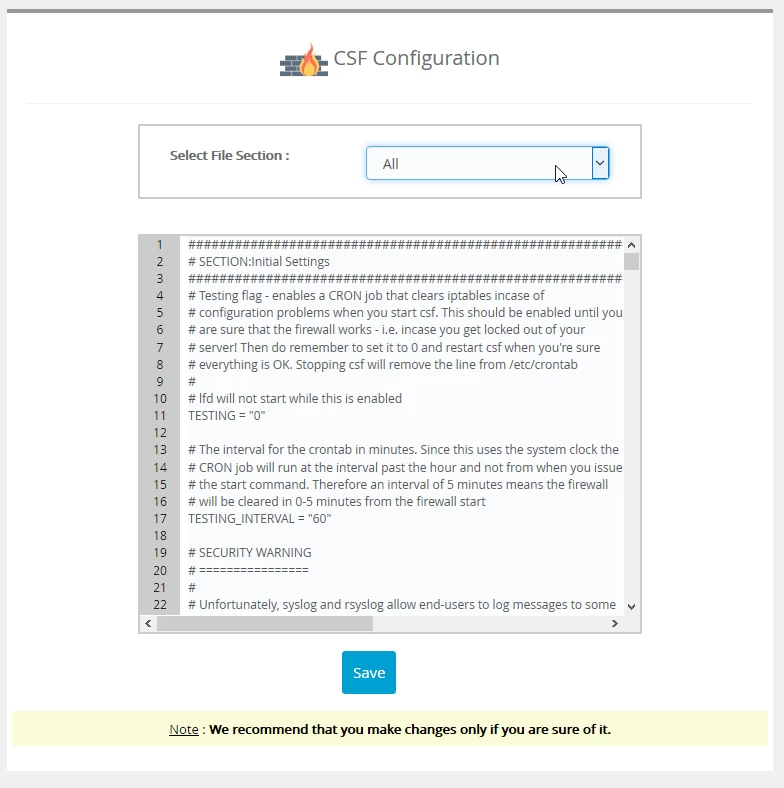
3. We select the section we want to edit, add the lines or activate the lines if they are deactivated by the character # and click the Save button.