Tutorials • Plesk
Authentication in the Plesk panel
Learn how to log in to the Plesk panel using the VPS domain and the correct port. Follow the simple steps for quick and secure access.
Views 1453Updated 1 anPublished on 15/07/2021by Cătălin A.
Introduction
- In this tutorial, we will see how to authenticate to the Plesk panel using the main domain name of the VPS along with the port for connection.
Requirements
- An active hosting
- Username and password
- A Plesk account
Steps
- To log in to the Plesk panel, we will need the main domain name of the VPS, which we will enter in the browser used, followed by the port used by Plesk, namely 8880 for the unsecured version or 8443 for the secured version with SSL certificate, as follows:
- demo.hostico.ro:8880
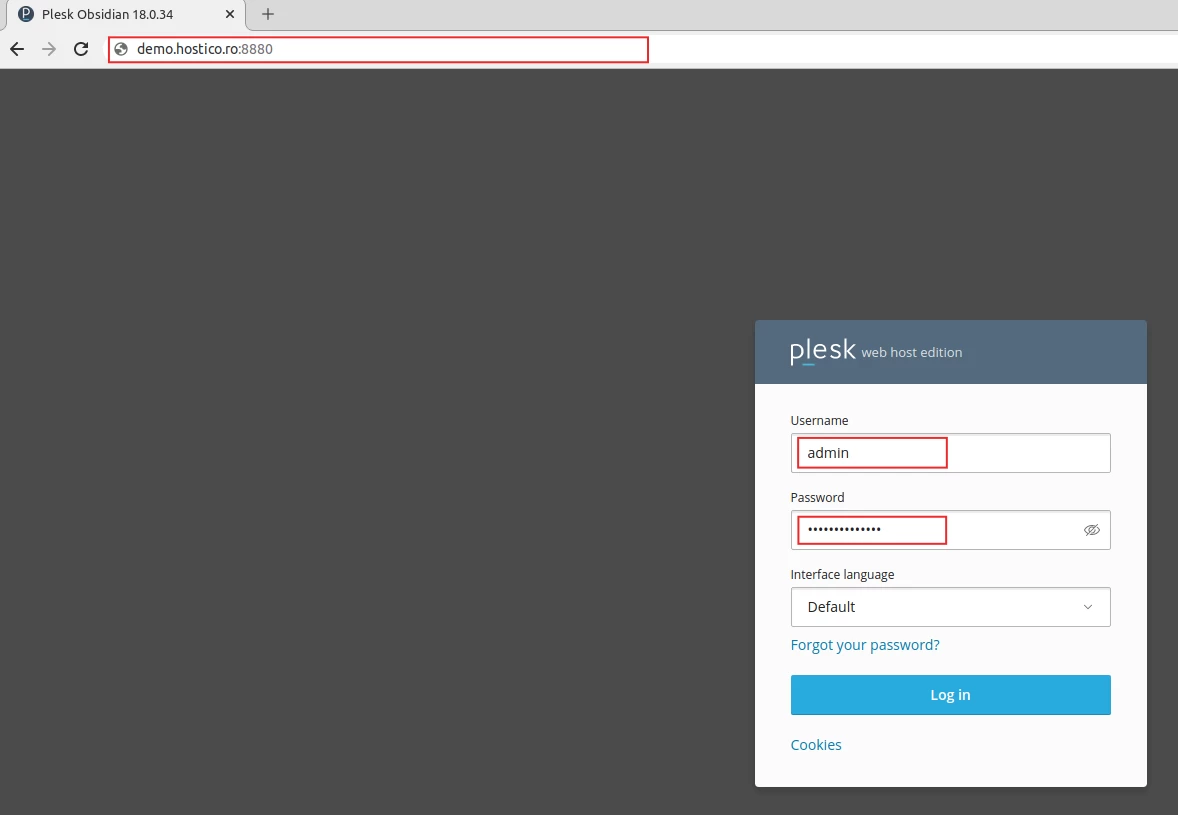
- In the displayed page, we will fill in the Username and Password fields with the authentication details received at the email address associated with the Hostico client account.
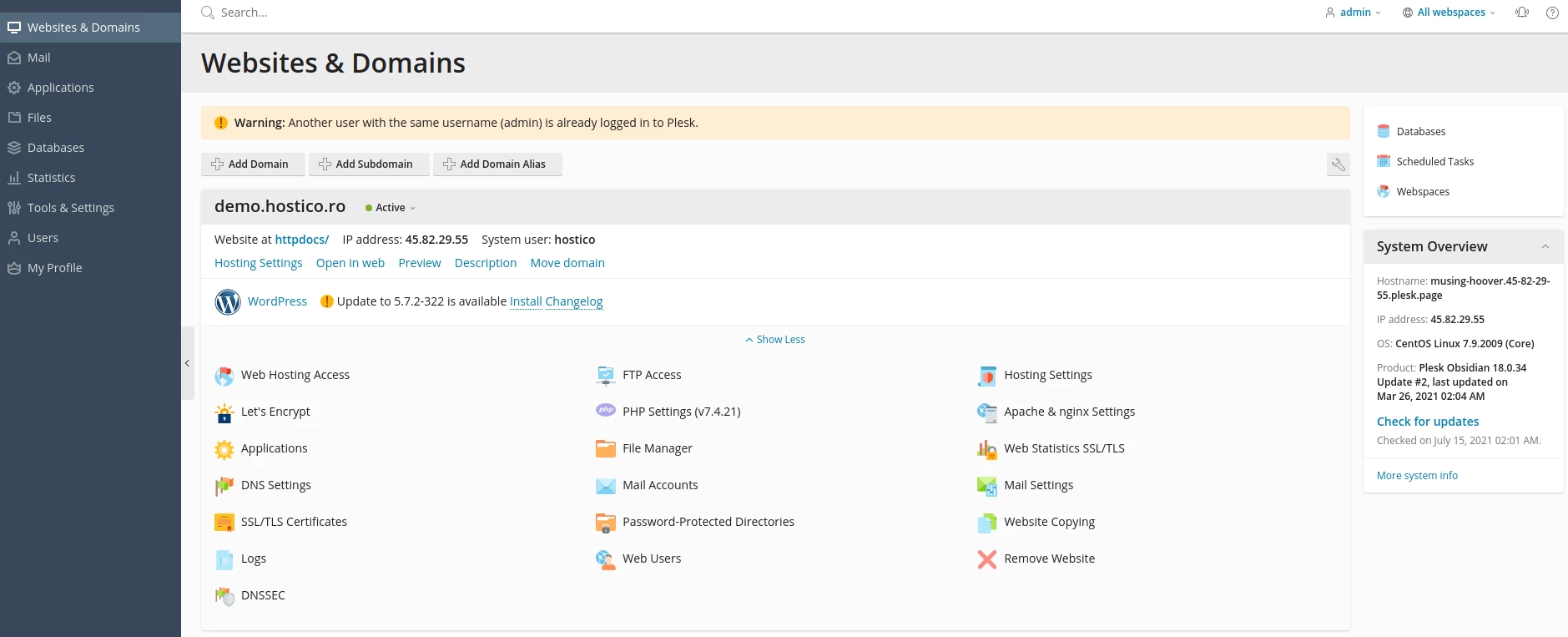
- If the authentication process was successful, the Plesk control panel page for the respective hosting will open.