Tutorials • WHM
Email Troubleshooter through WHM
In this tutorial, we will show you how to check if an email was sent successfully or if the sending process failed.
Views 901Updated 4 aniPublished on 12/12/2017by Florin P.
Introduction
- In this tutorial, we will show you how to check if an email has been sent successfully or if the sending process has failed.
Requirements
- Access to the WHM administration panel.
Steps
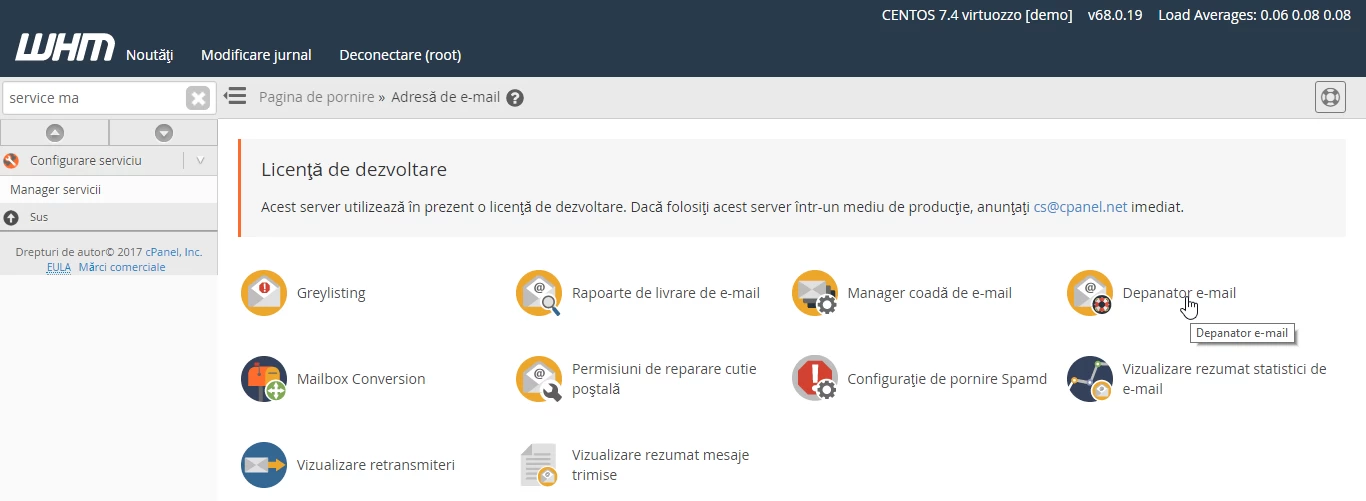
- After we log in to the WHM administration panel, we will go to Email Address and then click on Email Troubleshooter.
- On the next page, we have the option to fill in the email address in the Email to trace field.
- This feature traces the route of an email from your server to a specified address to highlight issues along the delivery path.
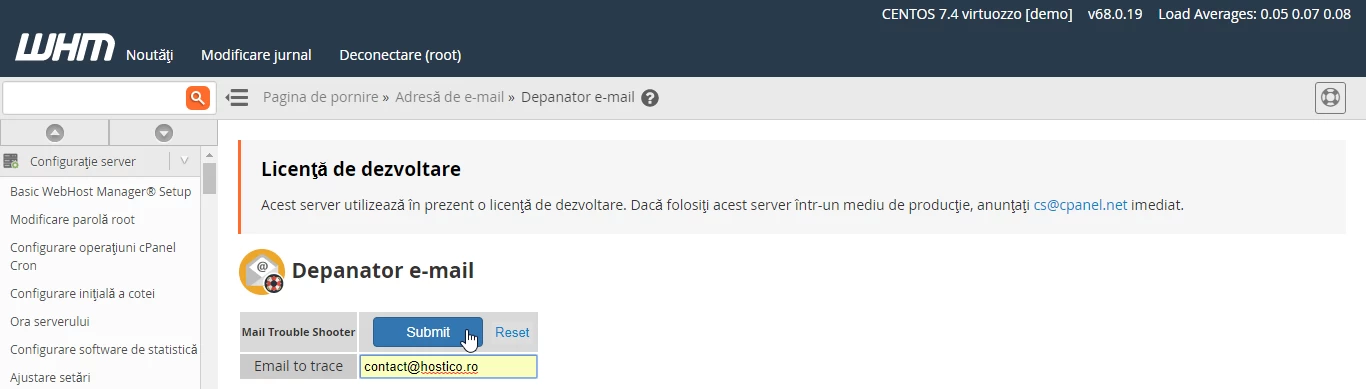
- After completing the email address, click the Submit button.
- On the next interface, a list of steps will appear. Refer to the legend at the bottom for information about the content of each step.
