Tutorials • Domains
Transfer .ro domain
This tutorial presents the steps necessary to obtain the authorization key from the ROTLD panel for transferring a .ro domain to a new registrar.
79
Views 4085Updated 2 aniPublished on 06/02/2018by Mark D.
Introduction
- The ROTLD management panel offers the possibility of automatically generating the authorization key, an authorization key necessaryă for domain transfer to another registrar.
Requirements
- You will need the ROTLD authentication data.
- Access to the email inbox associated with the ROTLD account (where the authorization key will be sent).
Steps
- The authentication interface will be accessed ROTLD:
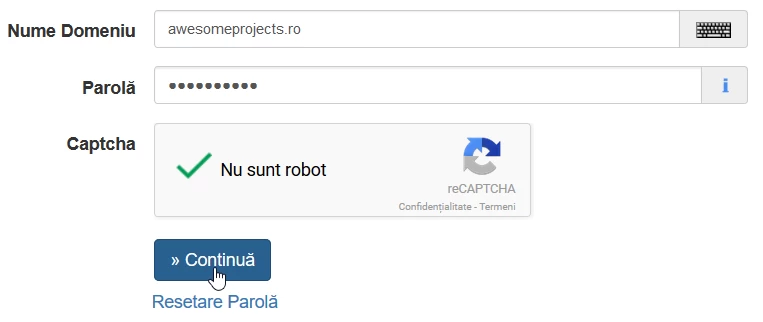
- We will fill in the domain name and password, after which we will click the Continue button.
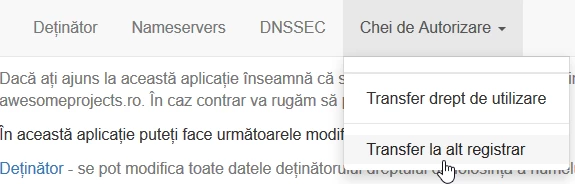
- The main interface of the ROTLD administration panel will load. From here we will click on the Authorization Keys menu.
- We will have to choose between two options:
-1. Transfer of usage rights.
-2. Transfer to another registrar. - In this case, we will need the authorization key for the domain transfer to ANOTHER REGISTRAR. We will click on Transfer to another registrar.
- On the next page, we will click on Click here to obtain the transfer key.

- After this step, we will be greeted by a message confirming the transmission of the authorization key to the email inbox.

- The final step will involve sending the obtained key to the Hostico team, for taking over your domain or placing the .ro domain transfer order directly from the Hostico website.