Tutorials • Webuzo
Accessing a database through phpMyAdmin in the Webuzo panel
Access the database via phpMyAdmin in Webuzo: log in, enter the username and password, then select the desired database for viewing.
Views 1036Updated 1 anPublished on 14/02/2020by Cătălin A.
Introduction
- Webuzo has the PhpMyAdmin application pre-installed in the panel. This application allows us to graphically view the database.
Requirements
- Access in the Webuzo administration panel.
- The username and password for the database to which access is desired.
Steps to Follow
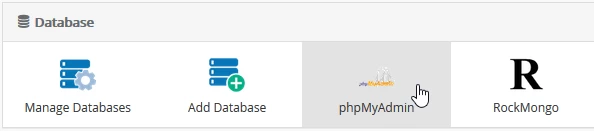
- Once logged into the Webuzo admin panel, look for the "Database" section in the displayed window and select "phpMyAdmin" from there
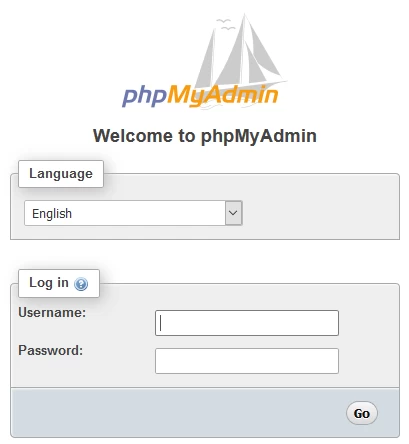
- In the page that will open, a window will appear where the user and the password of the database they wish to access will be entered, after which the "Go" button is pressed.
- The username and password are obtained when creating the database or from the site's configuration file associated with this database.
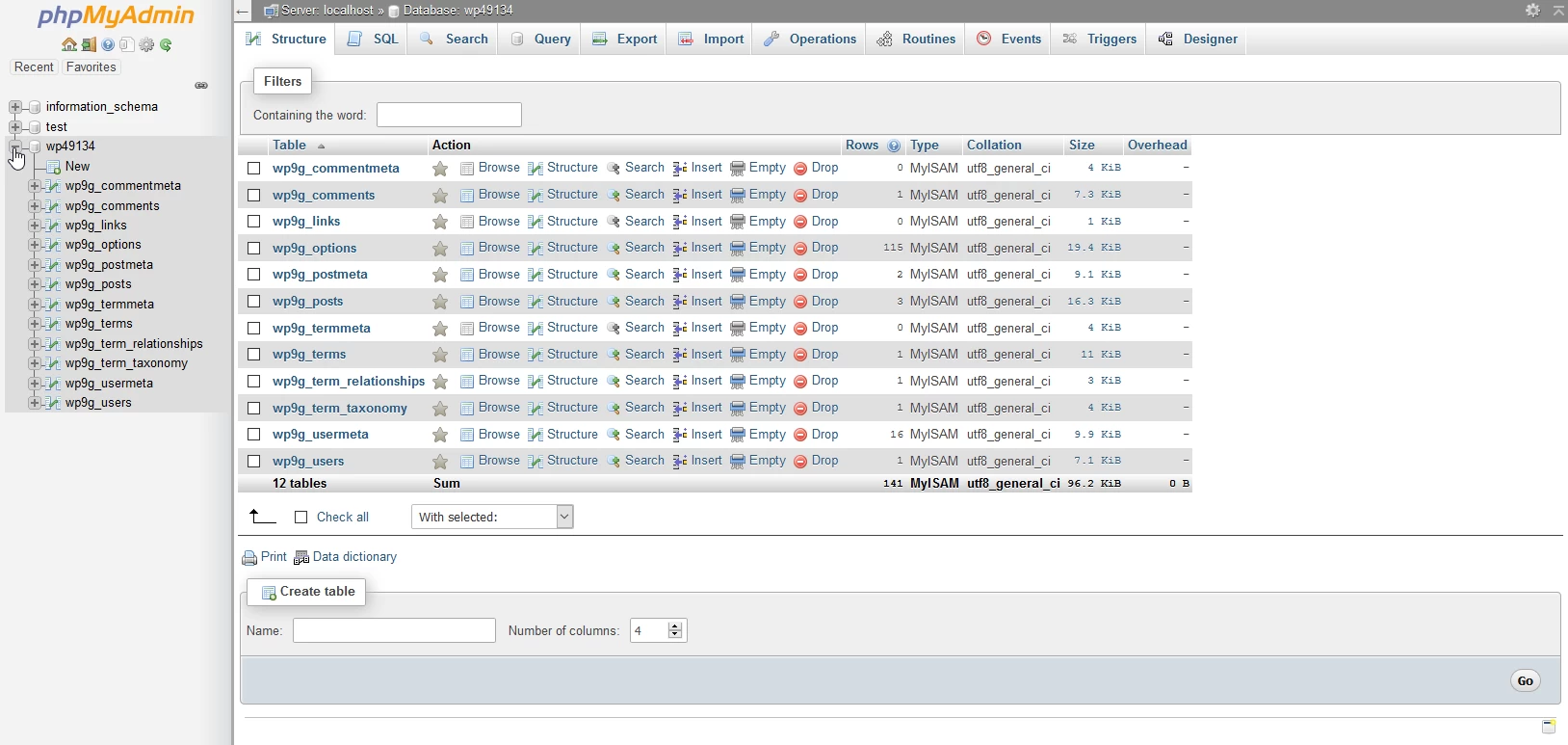
- In the window that will be displayed, select the database to which the connection was made in order to view its structure