Creating a database in the cPanel dashboard
Learn how to create and manage MySQL databases in cPanel. Follow the steps for setting up, checking, and efficiently managing users.
Introduction
In this tutorial, we will present the necessary steps for creating MySQL databases in the cPanel interface.
Requirements
Authentication data for the hosting package.
Steps
- Access the cPanel administration panel, log in with the admin credentials (username/password) provided by Hostico, and after a successful login, go to the Databases section where we will click on MySQL Databases.

- Once there, we will observe several sections:
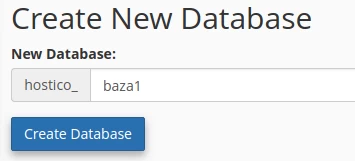
→ Create New Database → new databases can be created that will have the cPanel account user as a prefix, the editable part has a limit of 54 characters.
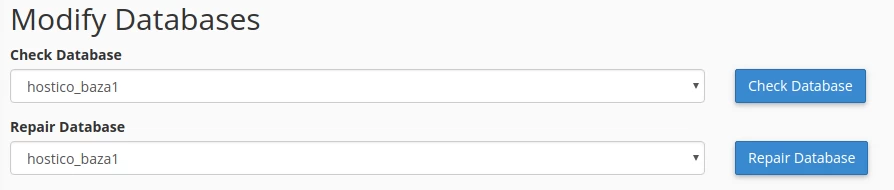
→ Modify Databases → you can perform some automatic checks for possible errors in the selected database by pressing the Check Database button or repair that database by pressing the Repair Database button.
The system repair of the database can be performed when, for example, it has a certain corrupted table, a table that will be highlighted as problematic after the check carried out using the Check Database button.
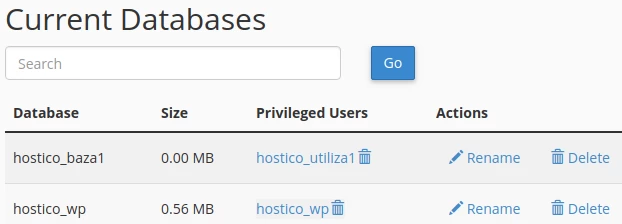
→ Current Databases → shows the active databases that have already been created, their size in the account (uncompressed), the database users attached to them, users who have been granted the privileges necessary (read and write information in the respective tables), as well as the options for deleting users, renaming/deleting the database.
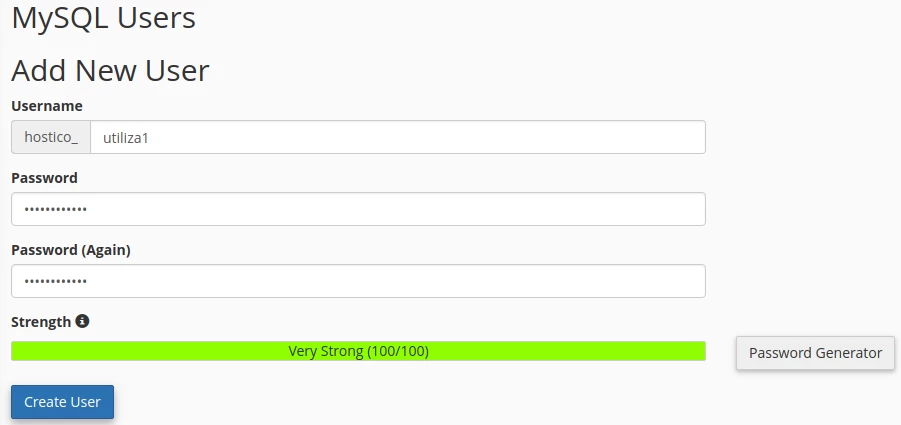
→ Mysql Users → allows the creation of a user and a password for it, a user that will be attached to the database.
The database user will also have a prefix, and the editable part has a limit of 7 characters.
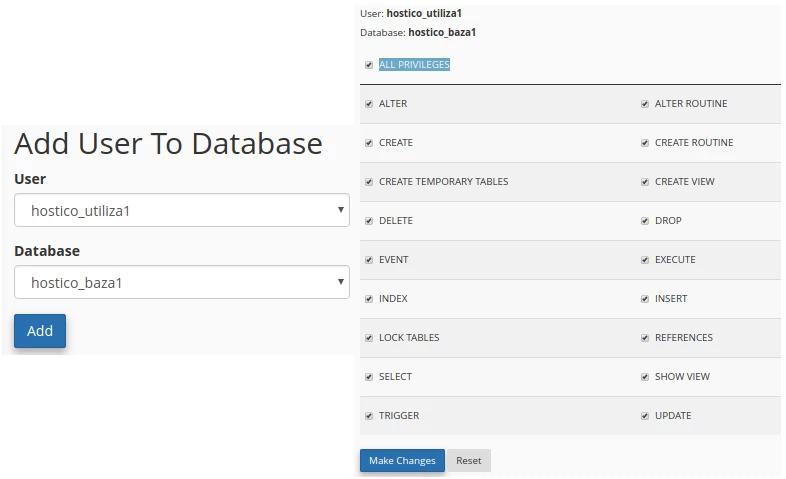
→ Add User To Database → an option that attaches and grants write/read permissions (ALL PRIVILEGES) to that user for the selected database
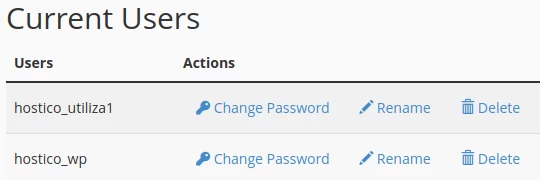
→ Current Users → shows the current database users created with the ability to change the password for each user individually and the option to rename or delete them.